Why clean URLs matter to me
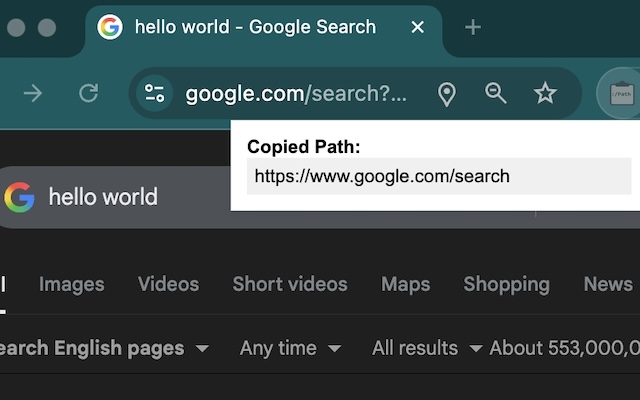
When sharing articles, the utm_source, gclid, fbclid chains look messy and leak where the link came from. Copy Clean URL lets me right-click and grab a clean version without hand-editing.
📥 Installation
Chrome Web Store Address:
👉 Install from Chrome Web Store
How I use it day to day
- Right-click any link and choose “Copy clean URL” to strip common trackers.
- It scrubs
utm_*,fbclid,gclid,ref, and keeps the core path. If a site invents odd params, I add them to the ignore list after spotting them. - Good for news/blog shares, social posts, shopping carts/coupons (no affiliate IDs leaking).
Small habits
- If I need to keep a param like
?lang=en, I glance at the copied link to ensure locale stays. - For redirector links, I open once, then right-click-copy—more reliable than copying the redirect URL itself.
- Inside teams, clean links reduce A/B noise when debugging or comparing analytics.
Who benefits
- Creators: tidier, more professional shared links
- Privacy-minded folks: fewer tracking crumbs
- Support/ops teams: consistent outbound links, easier to debug
Lightweight, set-and-forget: right-click, clean link, done.